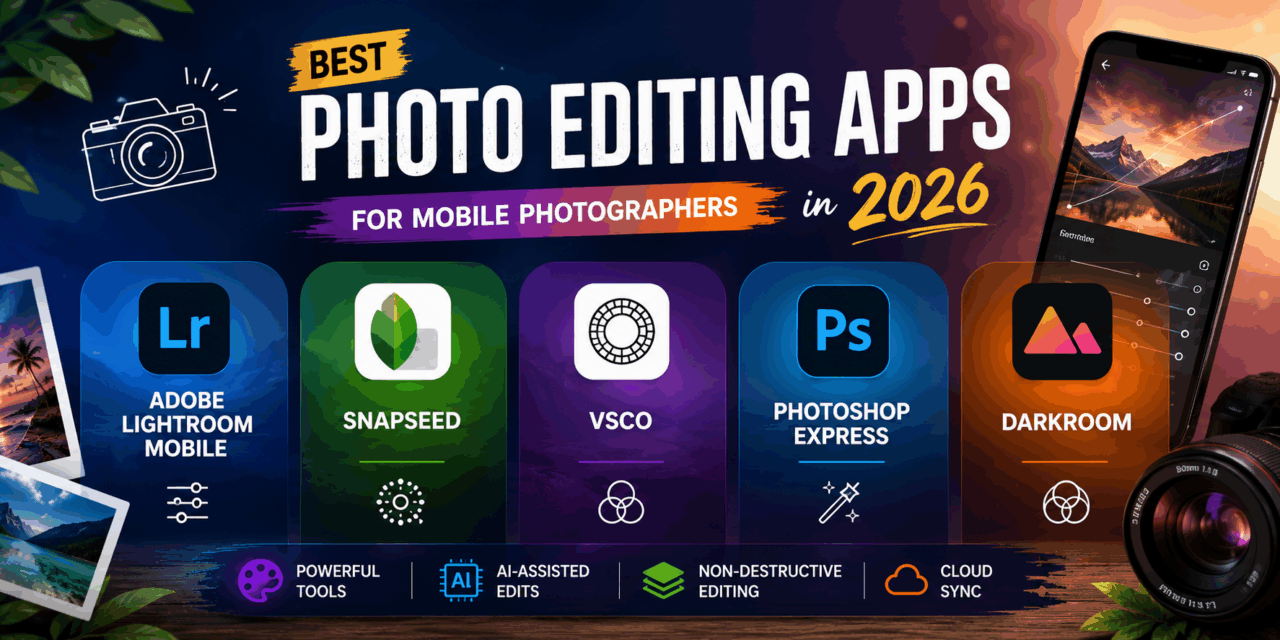
Phone cameras have gotten genuinely excellent at capturing raw detail, but the shot straight out of the camera app still rarely matches the way a moment actually looked or felt in person, a little flat, a little off in color, missing the punch a real photo deserves. Mobile photo editing apps close that gap without requiring a desktop computer or years of Photoshop experience, offering the same core tools professional photographers rely on, curve adjustments, selective masking, and color grading, squeezed into an interface built for a touchscreen. In 2026, the best of these apps have also gotten smarter about AI-assisted adjustments, suggesting a solid starting edit that a photographer can then fine-tune rather than starting entirely from a blank slate. Here are five photo editing apps worth having on your phone this year, whether you’re editing casual social posts or building a genuine photography portfolio. Most also support non-destructive editing, meaning the original photo stays untouched while every adjustment lives as a separate, reversible layer on top of it.
Adobe Lightroom Mobile

Lightroom Mobile brings the same powerful curve, color grading, and selective masking tools from the desktop version into a genuinely capable mobile app, with cloud sync that keeps edits consistent across every device tied to the same account.
Snapseed

Snapseed remains a favorite for its combination of genuine editing depth and a completely free price tag, offering selective adjustment tools that rival paid competitors without a single subscription prompt anywhere in the app.
VSCO

VSCO built its reputation on distinctive, film-inspired presets that give photos a cohesive aesthetic in a single tap, appealing strongly to creators who want a consistent visual style across their entire social media feed.
Photoshop Express

Photoshop Express trims Adobe’s flagship editor down to a fast, mobile-friendly toolkit covering the essentials, cropping, retouching, and quick filters, ideal for photographers who want familiar Photoshop-style tools without the full app’s complexity.
Darkroom
Darkroom focuses specifically on a clean, distraction-free editing interface with genuinely powerful color tools underneath, favored by photographers who find Lightroom’s deeper feature set more overwhelming than they actually need day to day.
The right app tends to depend on how much of a consistent visual identity you’re trying to build versus how much you want full manual control over every individual photo. VSCO suits creators building a recognizable feed aesthetic through consistent presets, while Lightroom Mobile suits anyone who wants the deepest manual control and doesn’t mind a steeper learning curve to get there. Snapseed remains the strongest pick for anyone unwilling to pay for editing software at all, since its free tools genuinely compete with paid alternatives on capability. Darkroom’s simpler interface suits photographers who found Lightroom’s professional depth more overwhelming than useful for their actual editing habits. Whichever app you choose, learning just a handful of core adjustments, exposure, contrast, and selective color, tends to improve photos more than experimenting with every available filter and preset.
A great mobile photo editing app won’t fix a genuinely bad photo, but it consistently closes the gap between what the camera captured and what the moment actually felt like to be in. Pick based on whether you want consistent presets or full manual control, and either way, a few minutes of editing per photo tends to matter more than any specific camera phone upgrade. Consistency across edits, more than any single dramatic adjustment, is usually what separates an amateur feed from one that looks genuinely put together.